Longstrider
One small spell.
A little more ground to cover.
- Effect
- +10 ft speed
- Duration
- 1 hour
- Concentration
- Not required
A welcoming virtual tabletop for D&D. Maps, characters, spells and the little details that keep a big adventure moving.
Gather your party ↗Take a look around ↓Your first session shouldn’t feel like an exam. Bring everyone together on a shared map, choose your next move, and learn as you play.
Move a token. Open a character. Roll something.
Create a free account or sign in to explore the demo. No payment needed, and your practice stays separate from saved campaigns.
Keep your character, actions and spell details close. Spend less time hunting through your sheet.
Bring maps, organise the encounter and follow initiative. Keep your attention on the story unfolding.
See where everyone stands, track health and conditions, and keep the adventure in one place.
Spell slots, concentration, health, conditions and initiative: the moving parts live alongside your characters, instead of on a pile of sticky notes.
Built around the 2014 rules, with automatic checks for supported actions and effects. Custom mechanics and rulings stay in the GM’s hands.
Find your first spell ↗One small spell.
A little more ground to cover.
That character you love. That class you made. Give them a place at the table, without starting from a blank sheet.
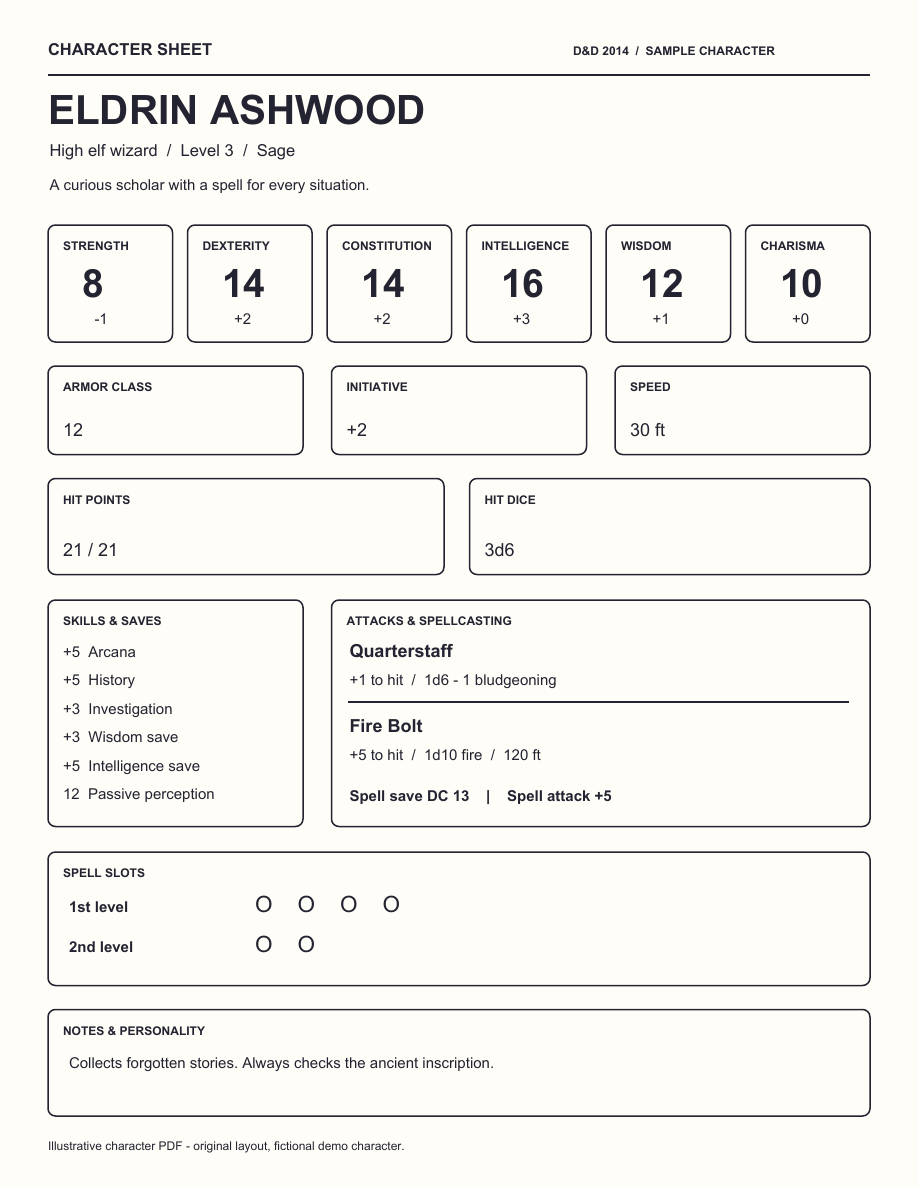
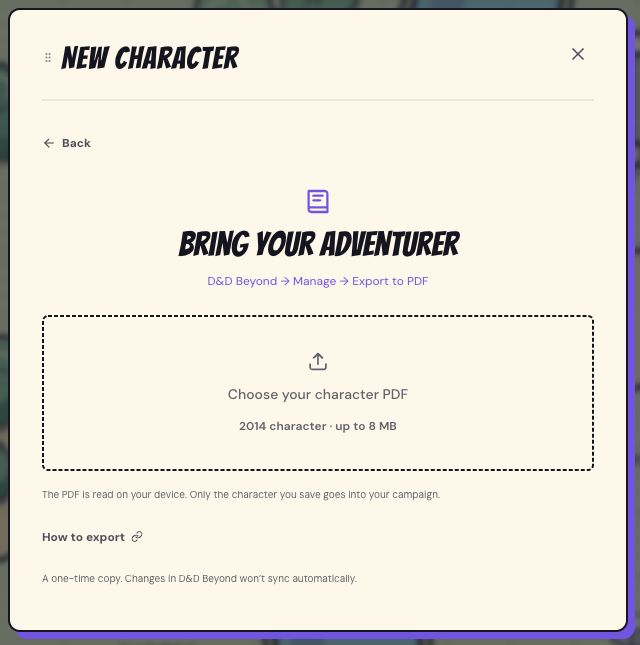
Import a filled 2014 D&D Beyond character PDF. The app reads the sheet on your device and prepares a character for you to review and save.
A one-time import. Scans and print-to-PDF copies aren’t supported.Upload a class PDF, Word document or text file. Choose the pages, review the text, then ask AI to prepare your class for review.
You choose when AI reads it. Original files, images and fonts stay on your device.Creature PDF import is planned: the same idea, for the things waiting on the other side of the dungeon door.
Not currently available. For now, prepare creatures using the app’s existing tools.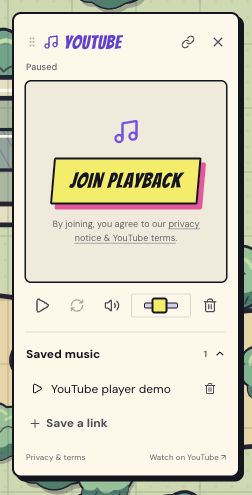
A quiet tavern. A suspicious forest. A boss with a very dramatic entrance. Bring YouTube to your session with the app’s floating music dock.
Video plays directly through the visible YouTube player, keeping the soundtrack beside your adventure.
How YouTube playback works ↗£6.95 per campaign per month, including applicable tax. Try it free for 3 days with a payment method, then it renews monthly until cancelled. An adult campaign member can pay, and one subscription covers everyone. Cancel before the trial ends to avoid the monthly charge.
No. Character information and supported rule checks help you learn along the way. Your GM still guides the session and makes rulings when the game needs a human touch.
Full automation is the goal: spells, character abilities and homebrew, all working together so you can focus on playing. We’re building towards that. Today, supported mechanics run automatically, with GM resolution for effects still in development.
Yes. The GM can upload map images and calibrate the grid. You can also use the built-in maps or access your characters before a map is ready.
Find your next move in 20 step-by-step help articles.
Showing 6 of 20 guides
A campaign is your group’s saved game. The person creating it becomes the GM; players join using an invite code.
Read the step-by-step guideUse Maps to organise your campaign’s scenes, upload an image and choose the map everyone plays on.
Read the step-by-step guideGrid alignment lets you resize and reposition the app’s squares without changing your map artwork.
Read the step-by-step guideThe pointer handles both map movement and token selection. Measurement guides appear while you drag and clear when you release.
Read the step-by-step guideThe guided creator helps you choose a class, ancestry and starting details, and walks through higher-level choices one level at a time.
Read the step-by-step guideImport a filled 2014 D&D Beyond character PDF to prepare a character for review. This makes a copy; it does not connect or synchronise your Beyond account.
Read the step-by-step guide